


Integrating Klaviyo and Flaunt
Integrating Klaviyo and Flaunt AI
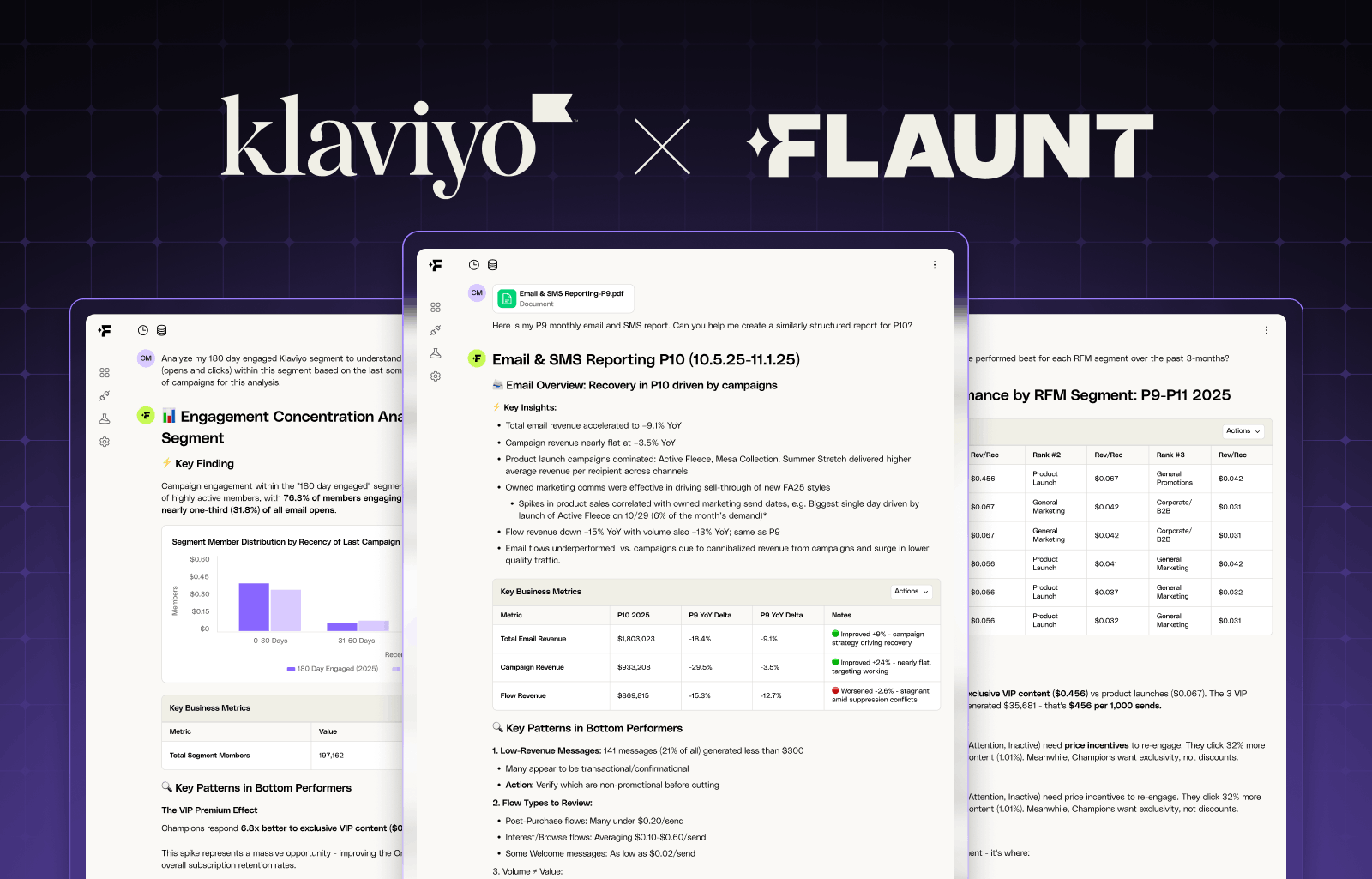
Connecting Klaviyo to Flaunt AI gives you a purpose-built AI data analyst trained on your email, SMS, and ecommerce data. Instead of digging through dashboards or building manual reports, you can ask real business questions in plain language and get accurate, actionable answers in seconds.
With Klaviyo connected, Flaunt AI enables you to:
- Automate performance reporting — Generate weekly and monthly reports in your existing format, complete with period-over-period comparisons and top performer callouts
- Analyze campaign performance — Identify what's driving results across your campaigns, benchmark against historical data, and understand which creative themes, subject lines, and send times convert best
- Diagnose flow performance — Compare year-over-year flow revenue, pinpoint underperforming steps, and separate deliverability issues from content problems
- Understand your audience — Analyze how different segments respond to campaigns, identify your most profitable audiences, and uncover overlap between lists
- Map the customer journey — See exactly how customers behave after receiving a campaign, from first open to purchase, and identify drop-off points along the way
- Optimize promotion strategy — Measure audience fatigue, identify which campaign types drive repeat purchases, and plan future sends with data-backed confidence
All of this is powered by billions of rows of your historical Klaviyo data, with an average response time of under 60 seconds.
How to connect Klaviyo
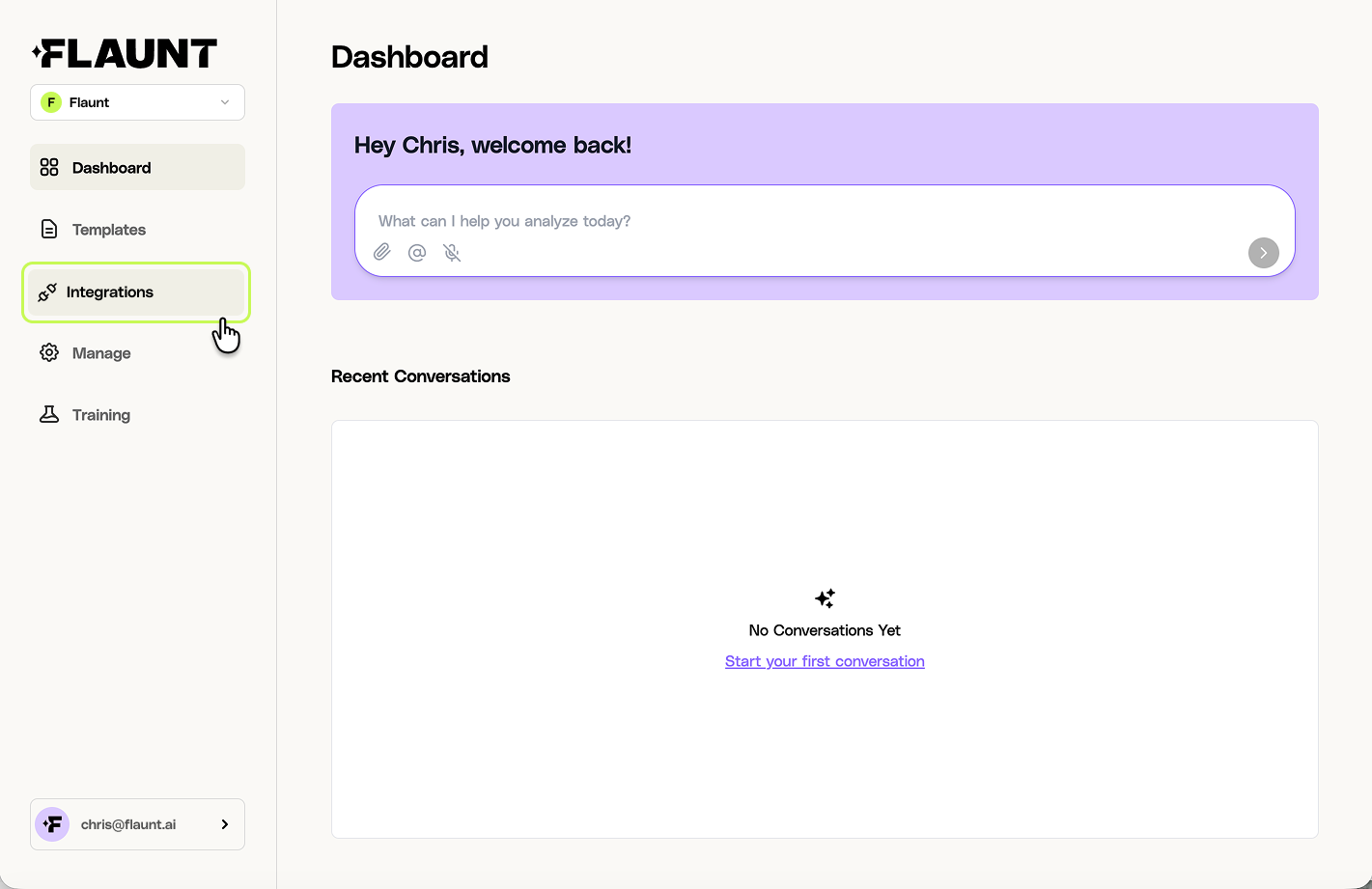
Step 1: Go to integrations
From the main navigation, click on Integrations.
Step 2: Connect Klaviyo data
On the Integrations page, find the Klaviyo Data card and click Connect.
.png)
Step 3: Install the Flaunt AI Data Analyst app
A setup modal will appear. The first step is to install the Flaunt AI Data Analyst App in your Klaviyo instance. Click Install Flaunt AI Data Analyst app to begin.
-1.png)
Step 4: Select your Klaviyo account
You'll be redirected to Klaviyo. If you manage multiple Klaviyo accounts, select the account you'd like to connect to Flaunt, then click Select.
.png)
Step 5: Grant access
Review the permissions Flaunt is requesting and click Allow to complete the app installation. You'll be automatically redirected back to Flaunt to complete setup.
.png)
Step 6: Configure attribution settings
Once redirected back to Flaunt, you'll be prompted to configure your attribution settings. Set these to match the attribution windows you use in Klaviyo — this ensures Flaunt accurately attributes conversions to your Klaviyo campaigns and flows.

Using a custom conversion event? If you track revenue using a custom conversion metric in Klaviyo (rather than the default "Placed Order" event), click Advanced Settings to reveal the Conversion Metric ID field. Enter your metric ID and click Save Settings.
.png)
Need help finding your Conversion Metric ID? Navigate to your Klaviyo metrics page, find the metric you use for conversions, and click on its name. On the metric detail page, look at the URL — your Metric ID is the 6-character code that appears after klaviyo.com/metric/. The image below shows the Metric ID code highlighted in the URL string.
.png)
You're Connected
After saving your settings, you'll see a confirmation that the integration is active. The Klaviyo Data card on your Integrations page will now show as Connected.
Note: Initial data syncs can take up to 24 hours. You'll receive an email from Flaunt AI when your Klaviyo data is ready to query.
If you run into any issues, reach out to support@flaunt.ai and we'll help you troubleshoot.
.png)
Getting started: quick wins with your Klaviyo data
Once your data is synced, you can start asking Flaunt questions directly from the Dashboard. Here are three high-value ways to put your Klaviyo data to work right away.
1. Understand what's driving campaign performance
Stop guessing why some campaigns outperform others. Ask Flaunt to break down your top and bottom campaigns by revenue per recipient, open rate, and conversion rate — then dig into what drove the results.
Try asking:
What were my top 10 email campaigns last month?
Which campaigns outperformed my historical benchmarks?
What content themes drove the most revenue in the last 90 days?
Flaunt will surface patterns across subject lines, creative themes, send timing, and audience targeting so you can make smarter decisions on every future send.
2. Diagnose flow performance and find revenue gaps
Your automated flows run in the background — but are they performing? Flaunt can analyze your flows across any time period, compare year-over-year revenue, and identify which steps are losing engagement or underperforming.
Try asking:
Which abandonment flows saw the biggest revenue declines year-over-year?
How much revenue did our Welcome flow generate in the last 30 days?
Is engagement dropping because of deliverability or message content?
This is one of the fastest ways to uncover hidden revenue opportunities without rebuilding your entire automation strategy from scratch.
3. Generate automated performance reports
Instead of manually pulling data every week or month, let Flaunt build the report for you. Upload your existing reporting template and Flaunt will generate a new report in the same format, complete with period-over-period comparisons, top performers, and key callouts.
Try asking:
Using our reporting structure, call out the top 3 positive and negative performance drivers this week across campaigns and flows.
Generate a report for this month using the same structure as last month's report.
Compare this week's performance against our revenue targets.
How to Contact Support
If you need support for Klaviyo-related questions, contact Flaunt support.